Beta version

Make Your
Songs Playable

Listen Learn Play

Split any recording of your own into tracks by instrument and rehearse with them: isolate your part, play over it, and repeat until it comes out.

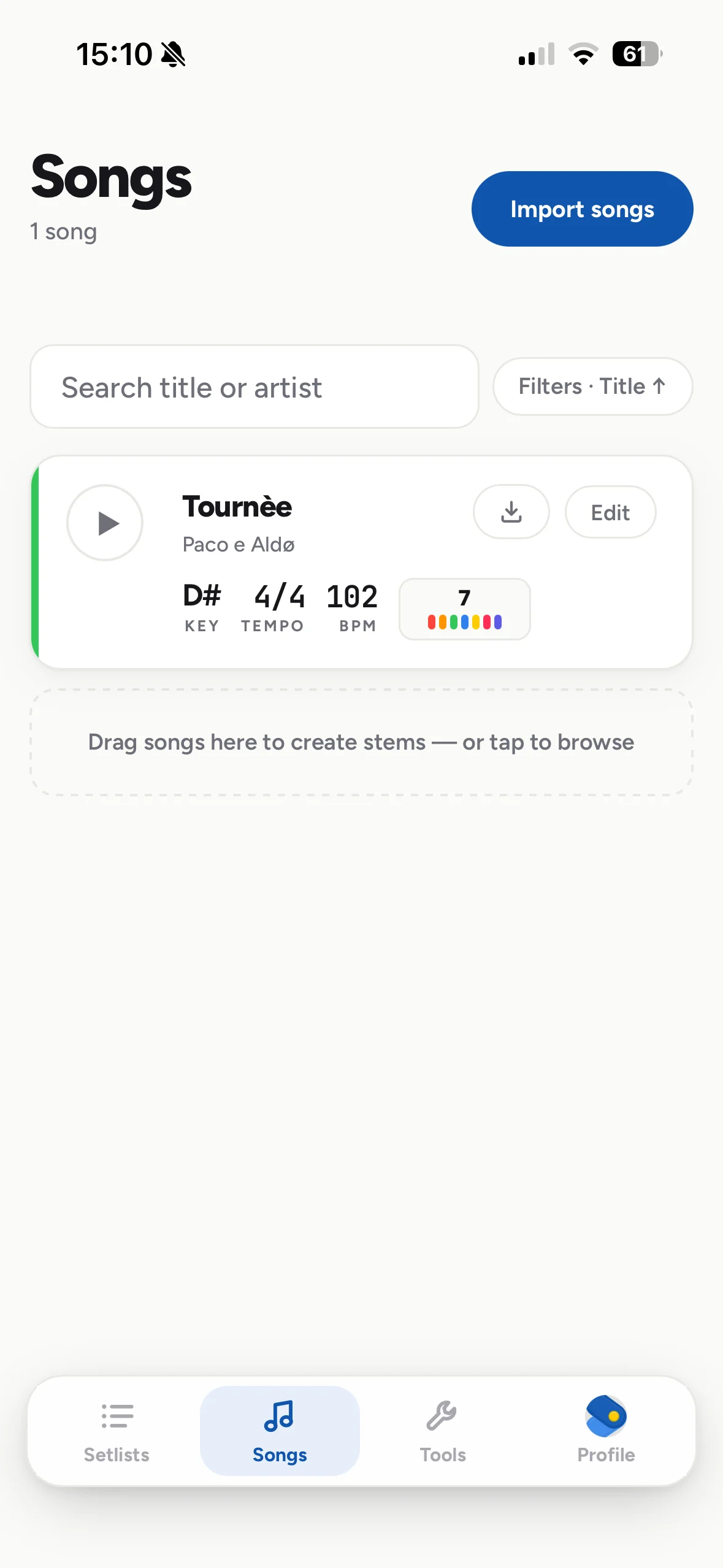
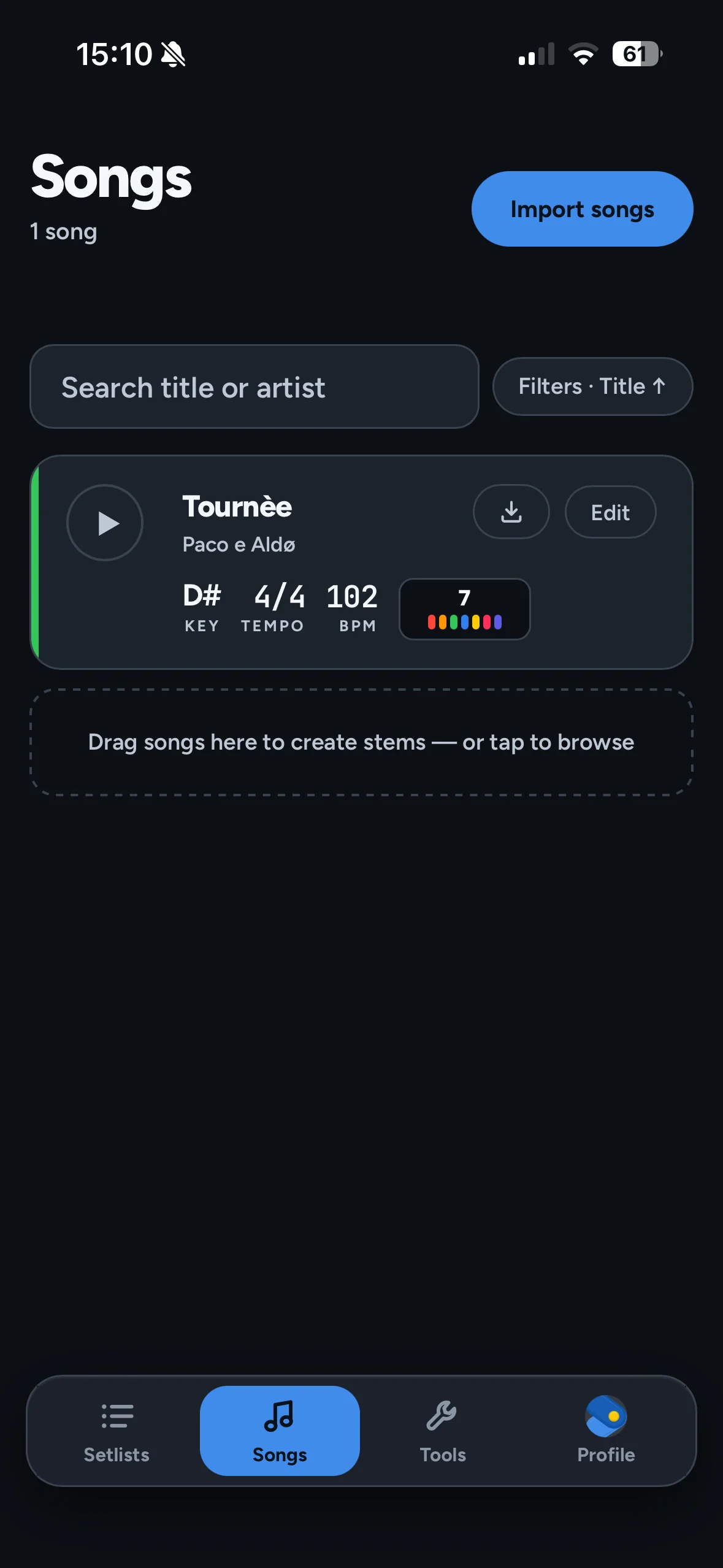
Suonable's song player on a MacBook and the song library on an iPhone
How it works
01

Upload a file of yours

An MP3, a WAV, last night's rehearsal recording. No official stems needed — or add your own stems for practice.

02

It comes back in seven tracks

Drums, bass, guitar, piano, other, vocals and backing vocals — each with its own volume, mute and solo.

03

Rehearse with them

Solo your part, mute it and play over the band, loop eight bars, move the key without moving the tempo.

04

Enjoy the automated resources

Tempo, key, bar lines and chords arrive already found, with a click and a chord sheet built from them. Correct anything by hand, or add your own resources — it's a starting point, not a verdict.

05

Your song stays yours

Suonable has no catalogue, no feed and no public links: the songs you upload are reachable only from your own account, and no other user can reach them. Your audio never trains any model.

your songsyour keyyour clickyour setlist your songsyour keyyour clickyour setlist
Chords, found for you

Every song arrives with its chords, and how to play them.

Not a guess pasted on top: the chords are placed over the beat map detected in your own recording, so each one sits on the bar and beat where it actually changes. Each one also comes with the way to play it, on piano or guitar, following the song as it moves. Correct anything by hand — it's a starting point, not a verdict.

Automatic Chords your song
Bar 25 · 1:55 · 4/4 8 BARS
BAR 24 BAR 25 BAR 26 BAR 27 BAR 28 BAR 29 BAR 30 BAR 31
1 2 3 4 1 2 3 4 1 2 3 4 1 2 3 4 1 2 3 4 1 2 3 4 1 2 3 4
G# D# A# Cm G# D# A#
PLAYING
G#
G# C D#
D#
D# G A#
A#
A# D F
Cm
C D# G
G#
G# C D#
D#
D# G A#
A#
A# D F
Cm
C D# G
UP NEXT
G#
G# C D#
D#
D# G A#
A#
A# D F
Cm
C D# G
G#
G# C D#
D#
D# G A#
A#
A# D F
Cm
C D# G
G#
G# C D#
D#
D# G A#
A#
A# D F
Cm
C D# G
G#
G# C D#
D#
D# G A#
A#
A# D F
Cm
C D# G
G#
G# C D#
D#
D# G A#
A#
A# D F
Cm
C D# G
G#
G# C D#
D#
D# G A#
A#
A# D F
Cm
C D# G

Each chord is anchored to a bar and a beat, not to a stopwatch — so it stays right even when the tempo breathes.

Move the key and the whole sheet follows — the chords you read are the chords you're hearing.

Edit any chord by hand and it stays edited. Key and BPM are detected too, and editable everywhere they appear.

Pick piano or guitar and the chord that's sounding shows the notes to press or the shape to hold, with the next three already on screen so your hand arrives ready to the change.

Features for every musician

Grouped by what you're doing.

The split is just the starting point. Suonable is where your music lives: lyrics, chord charts that transpose with the song, audio files, reference takes, tracks and setlists — all of it next to the song, ready to play.

Solo one track

Isolate the guitar, the harmony, the keys. Hear only what you have to play.

Automatic song structure

Intro, verse, chorus, bridge — detected for you and fully editable, so the song arrives already mapped.

Loop by section

Pick a section — intro, verse, that one chorus — and repeat it with sample accuracy until it comes out.

Real transpose

Shift the key by semitones without changing the speed. The click and drums never transpose.

Lyrics and charts

Store lyrics, chord charts and extra material next to each song: PDFs, a photo of a score, a reference take.

Dynamic chord chart

Chords placed exactly over the lyrics, transposing with the song, in several languages. Drag sections to reorder them.

The click

Built from the tempo map detected in the song itself, so it follows the real tempo of the recording even when it breathes. It sounds from the first to the last second of the audio.

5 click voices

Classic, soft beep, woodblock, sticks, cowbell. Configurable accent pattern and subdivisions.

Variable tempo songs

Recordings that speed up or slow down are supported.

Multitrack imports

Drop a ZIP from an Ableton or Logic session, or a bought pack. Tested with a real 430 MB project of 17 tracks.

Setlists

Order the songs for a rehearsal or a show, and share them with a link.

Separate outputs

Each track can leave through a different physical output of your audio interface. Desktop app only.

Sliding mixer

With many tracks the desk slides instead of squeezing the channels.

Works offline

Once a song is downloaded it plays with no connection.

Installs from the browser

iPhone, Android, iPad, Mac and Windows. No store to go through.

Interface in 3 languages

English, Italian and Spanish.

The tools

Not only the separator.

It's where the tools you open every day keep landing.

Metronome

AVAILABLE
120 BPM · 4/4

30–300 BPM, ten time signatures, subdivisions, tap tempo, and accents you set by tapping the beat. The light lands when the click reaches the speaker, not when the app schedules it.

Tuner

ON THE WAY
A♯2

Chromatic for anything, with a per-instrument mode for strings. The headstock is drawn with the pegs where they actually sit, and each string turns green the moment it's in tune.

And whatever comes next

MORE TOOLS ON THE WAY
Play live

One track, one physical output

Every track leaves on its own stereo pair — drums on 1–2, bass to the stage amp on 3–4, the vocals to the PA. Only the click goes out mono, straight to the drummer's in-ear, and you choose which outputs pair up.

Desktop app only, on Mac and Windows. It is not a bug: no browser sends more than two channels to the hardware — it's documented as a platform limitation in Chromium and WebKit. That's why the desktop app exists. In the browser and on mobile it's two channels, full stop.

AUDIO TRACK PHYSICAL OUTPUT · STEREO
Drums OUT 1–2
Bass OUT 3–4
Guitar OUT 5–6
Piano OUT 7–8
Other OUT 9–10
Vocals OUT 11–12
Backing vocals OUT 13–14
Click OUT 15
make music yoursmake music yours make music yoursmake music yours
Straight talk

What it doesn't do

The separation is very good, but it's automatic. One instrument bleeds a little into another, especially in dense mixes.

It's tested with modern band music. On orchestra, very dense electronic music or poor recordings the results are worse.

About three minutes per song — and then it's yours forever.

You bring your own music: upload an MP3 to have it split into tracks, or a ZIP of your own multitrack stems to play them as they are. You're responsible for having the right to use it — ZIP only for imports, RAR isn't supported.

Questions people ask

Common questions

Upload an MP3 or a WAV of a recording you hold the rights to use. Suonable separates it into seven tracks — drums, bass, guitar, piano, other, vocals and backing vocals — each with its own volume, mute and solo. It usually takes about three minutes.

Yes, on a file of your own: mute the vocal track and play over the rest, or solo any track to hear only the part you are learning. The tracks live in your account for rehearsing and playing — not for publishing, selling or streaming them.

No. Suonable works from the finished recording. If you do have official stems, or a session exported from Ableton or Logic, you can drop the ZIP in instead and use them directly.

It does. Tempo, key, bar lines and chords arrive already detected, with a click built from the song's own tempo map and a chord sheet that transposes with it. It is a starting point, not a verdict: every one of them is editable by hand.

Suonable is in open beta and you can use it without paying, on the web and as an app for Mac and Windows. There is no catalogue to buy from either: the music is the one you bring.

It is private, and it does not. There is no catalogue, no feed and no public links: the songs you upload are reachable only from your own account, and no other user can reach them. Your audio is never used to train or tune any model.

The beta

Open beta. Create your free account.

No card, nothing to cancel, every feature unlocked. Upload and split up to 10 songs at no cost — we'll never charge you for those.

10 songs free, every feature unlocked
Offline once the song is downloaded
English, Italian and Spanish
APP.SUONABLE.COM
Install from the browser IOS · ANDROID · NO STORE
MULTICHANNEL OUTPUT IS DESKTOP ONLY. EVERYTHING ELSE RUNS EVERYWHERE.